
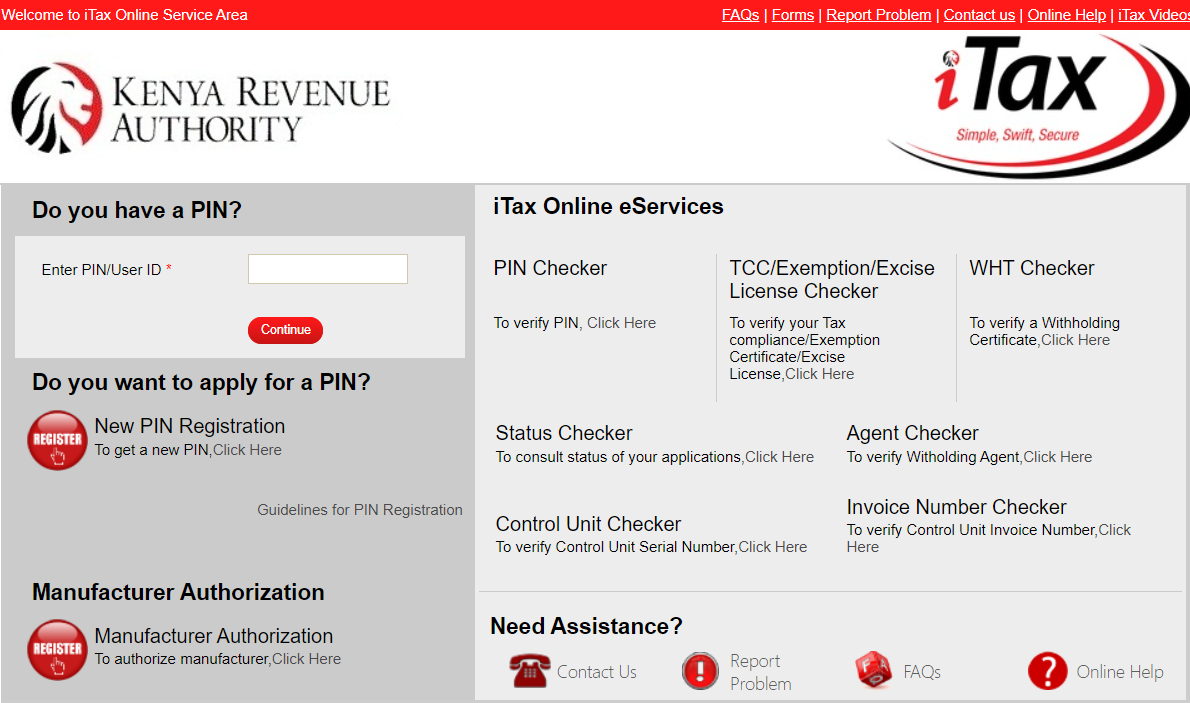
Your email address is the lifeline of your KRA iTax account. It is where you receive your login credentials, OTP verification codes, return acknowledgment receipts, refund notifications, and important KRA communications. If you lose access to that email or simply want to update it, you need to act fast. Here is exactly how to change your KRA iTax email address yourself in 2026.
Why You Might Need to Change Your Email Address
Many situations can make updating your KRA email address necessary. Perhaps you forgot the email address you used when signing up and cannot access it anymore. Maybe you signed up with a work email for a company you no longer work for. Your original email could have been compromised, or you simply want to switch to a more secure or personal account. Whatever the reason, the good news is that you can update it without visiting a KRA office.
Before You Start
Before beginning the update process, ensure you can log into iTax. If you have forgotten your password, click Forgot Password on the login page to reset it via your registered email. Once you are in, changing your email takes just a few minutes.
Step-by-Step Guide to Change Your KRA Email Address
Step 1: Log into the iTax Portal
Open your preferred browser and go to https://itax.kra.go.ke. Enter your KRA PIN and password, then solve the security question to log in .
Step 2: Access the Registration Menu
On the main menu bar at the top of your dashboard, click the Registration tab. From the dropdown menu that appears, select Amend PIN Details.
Step 3: Choose Your Amendment Mode
A pop-up will appear asking whether you want to amend online or through upload. Choose Online Form as your amendment mode . This is the recommended option for individuals and is faster to process .
Step 4: Select the Sections You Want to Update
The system will display your current registration details. Click the PIN checkbox, which will display several sections you can amend. Tick the box marked Basic Information . This is where you can update your email address. Other sections you may see include Contact Details, Postal Address, and Source of Income .
Step 5: Update Your Email Address
Scroll to the Principal Contact Details section of the form. Replace the old email address with your new one . Ensure the email you enter is active and accessible because KRA will send confirmation and future communications there. Fill in all other mandatory fields that are required.
Step 6: Submit Your Amendment
After entering the new email address, review your entries carefully. Click Submit to proceed . The system will generate an Acknowledgment Receipt Number (ARN) for your records .
Step 7: Await Confirmation and Approval
A confirmation message will be sent to your new email address . Importantly, once you initiate this process, a task is created for approval by a KRA officer . The change will only be finalized once the KRA officer reviews and approves your request .
How to Check the Status of Your Amendment
After submitting your amendment, you can log back into iTax to check its progress. The status may show as Pending until the KRA officer reviews your supporting documents . If the amendment is successful, KRA updates your PIN profile, and the changes are reflected.
Updating Other Important Details While You Are At It
Since you are already in the amendment section, you can also update other important details at the same time . The Kenya Revenue Authority has been conducting a data clean-up exercise to ensure the integrity of the taxpayers’ register . All registered taxpayers are urged to update or correct their registration details as appropriate, including their name, phone number, physical address, email address, physical location of businesses, residency status, and directorships or partnerships held .
You can also update your source of income by selecting the Source of Income section in the amendment form. You can then indicate whether your income is derived from employment, business activities, or rental property. Depending on the selected category, additional information may be required, including an employer’s KRA PIN, business details, or the type of rental property involved .
Important Tips for a Smooth Amendment
Make sure the email you provide is correct and currently active because KRA will send important notifications there. Keep your ARN number safe as it helps you track your application. If the status stays pending for a long time, you can contact KRA to follow up. Remember that changes to tax obligations like VAT or PAYE require additional documentation and must be approved by a KRA officer .
What If You Cannot Access Your Current Email
If you cannot access your current registered email address and cannot receive the password reset link, you will need to visit a KRA Tax Service Office or Huduma Centre with your ID to update your details manually. This is because the system relies on your registered email for verification.
Important KRA Contacts
You can reach the call center at 020 4 999 999 or 0711 099 999. Email them at callcentre@kra.go.ke. Visit their website at www.kra.go.ke or visit the nearest Tax Service Office or Huduma Centre for assistance .
Final Thoughts
Changing your KRA email address is a simple process that takes just a few minutes once you know the steps. You don’t need to pay anyone to do it for you. Just log into iTax, navigate to Amend PIN Details, update your email, and submit. Within a short time, your new email will be active and receiving all KRA communications. By doing it yourself, you save money and ensure your tax affairs remain in your control.