
If you are self-employed, filing your KRA returns is different from the process for employed persons. You are responsible for declaring all your income and expenses, and the system calculates your tax based on what you report. Here is exactly how to do it yourself.
Who Is Considered Self-Employed
You are self-employed if you earn income from freelancing, consulting, trading, running a business, rental property, or any other source where an employer does not automatically deduct tax. Sole proprietors, partnerships, and individuals with multiple income streams all fall into this category.
Documents You Need Before You Start
Before logging into iTax, gather all your records for the year. You need business income records showing all your sales and receipts. You also need business expense receipts for rent, stock, transport, utilities, salaries, and any other allowable deductions. Bank statements showing your business transactions are helpful for verification. If you have rental income, investment income, or freelance earnings, have those records ready as well.
Step-by-Step Filing Process
Step 1: Log into iTax
Go to itax.kra.go.ke and log in using your KRA PIN and password.
Step 2: Select the Returns Tab
On the dashboard, click Returns. Select File Returns.
Step 3: Choose the Right Return Type
Select Income Tax – Individual (Self-Assessed). This is the correct option for self-employed individuals and business owners. If you have rental income, select Income Tax – Rental Income instead.
Step 4: Add Your Business Income
Click Add Business Income. Enter your total business income for the year. This should include all money you earned from your business activities.
Step 5: Enter Allowable Business Expenses
Enter all your allowable business expenses including rent, stock, transport, salaries, and utilities. The system calculates your net taxable income automatically by subtracting your expenses from your income.
Step 6: Enter Advance Tax Paid
If you made any quarterly tax payments during the year, enter the amount you already paid. This will be deducted from your final tax bill.
Step 7: Claim Your Tax Reliefs
You are entitled to Personal Relief of KES 28,800 per year which is automatic for residents. You can also claim Insurance Relief of up to KES 5,000 per month for life, education, and medical insurance. NHIF Relief is 100% of contributions up to KES 6,000 per year. The Affordable Housing Relief is 15% of monthly contribution. Pension and provident fund contributions are also tax-deductible.
Step 8: Review and Submit
Check all your figures carefully. The system will calculate if you have a tax refund due, a tax balance due, or a nil return. Click Submit Return and download the acknowledgment receipt as proof of filing.
Filing Deadlines for Self-Employed Persons
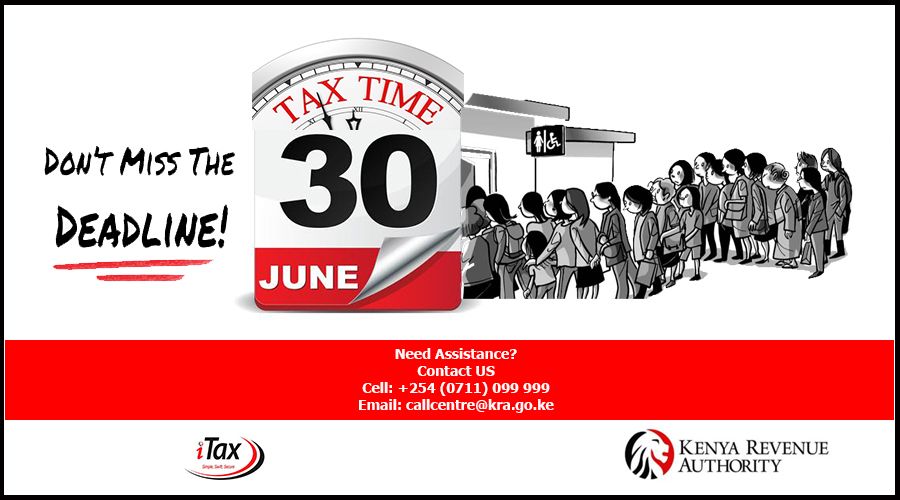
Self-employed individuals and business owners must file their returns within 6 months after the end of their financial year. For most businesses, this means filing by 30th June each year for the previous year. Late filing attracts a penalty of KES 2,000 plus 5% of unpaid tax per month up to a maximum of 100%.
Important Tips for Self-Employed Filers
Keep records throughout the year. Save all receipts, invoices, and bank statements so you are not scrambling at the last minute. File early to avoid the June rush when the iTax portal is often slow due to heavy traffic. Claim all eligible reliefs because they can save you thousands in tax refunds. If you have no income in a given year, file a NIL return to remain compliant and keep your PIN active.